Against the computer
Start a solo game against the on-device computer player. The match runs locally with no internet connection.
A MeshGames title · by DataXad
Play against the computer, share one device with Pass & Play, or connect directly to someone nearby over Bluetooth. No account and no internet required.

Available on Google Play. MeshGames Checkers is a free Android install from the public listing. The current listing is provided by DataXad and supports offline computer play, Pass & Play, and direct nearby Bluetooth play.
Real app captures
Three ways to play
Choose a local opponent, hand over the device, or find a nearby player—without creating an account.
Start a solo game against the on-device computer player. The match runs locally with no internet connection.
Two people take turns on one device. Make a move, pass the device, and keep the game at the table.
Connect directly to a selected nearby player over Bluetooth. Match state travels device to device, not through an internet game server.
Touch-first controls
Tap a piece, then tap its destination for a deliberate two-step move.
Drag a piece directly to its destination when you want a more physical board feel.
Computer, Pass & Play, and direct nearby modes require no internet connection.
Cloudless by design
MeshGames Checkers is designed for play, not profiles or tracking.
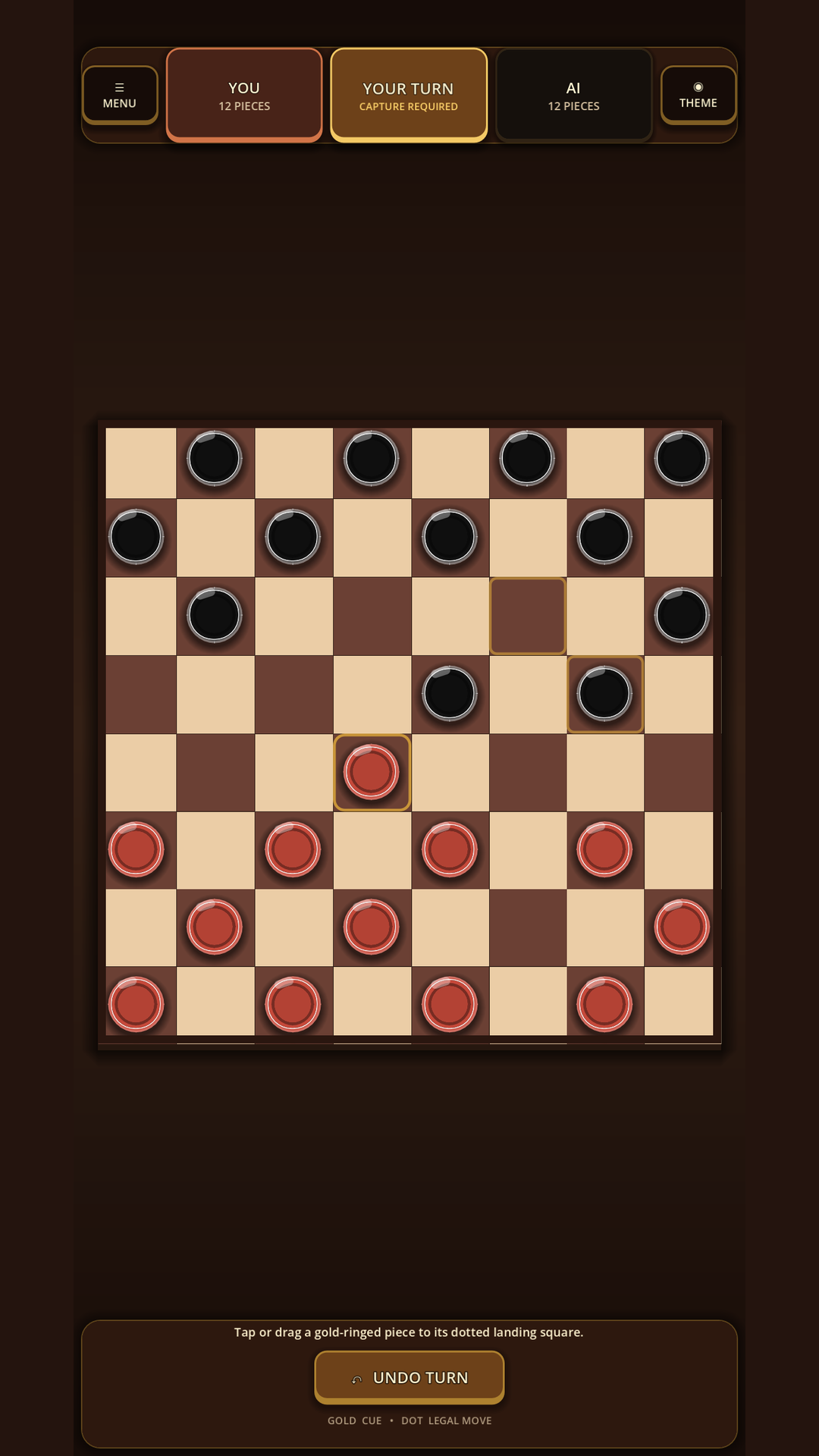
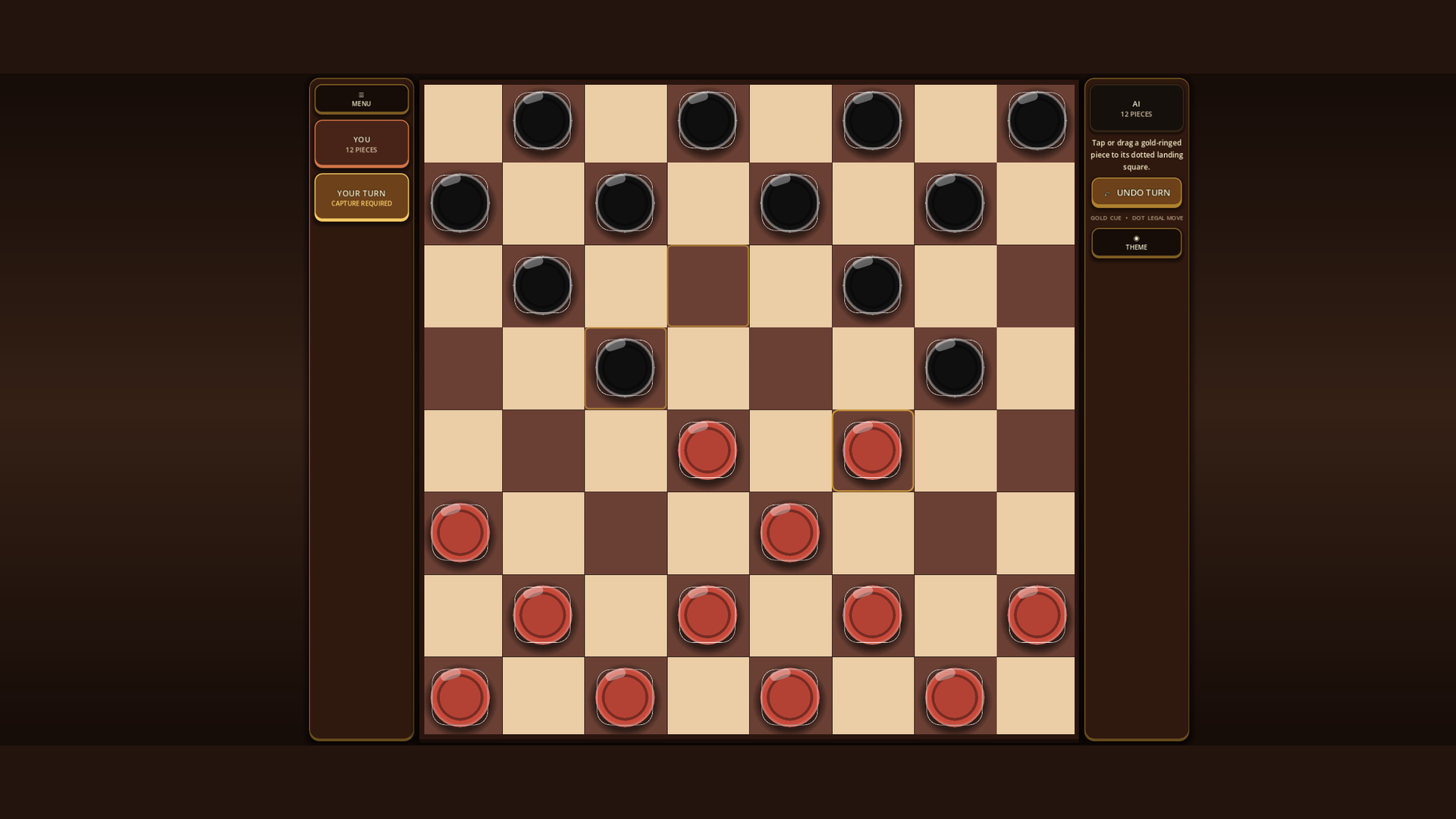
MeshGames Checkers is a free offline Checkers game for Android, published by DataXad on Google Play. You can play the computer on "Easy", "Medium" or "Hard", or share one device with "Pass & Play". The 8x8 board has 12 pieces for each side, mandatory captures, multi-jumps, and kinging. Tap a piece and then tap its "dotted landing square", or "drag" the piece there. In computer and "Pass & Play" games, "Undo Turn" removes your last turn. The "Rules" button lets you select one of three capture rule sets. The board fits portrait and landscape screens. Nearby play connects two phones by Bluetooth, with optional push-to-talk voice and text chat. The app has no account, no sign-in, no advertising, and no analytics, and it does not request the Internet permission. Statistics and preferences stay on your device. Nearby play sends your chosen display name and match state directly to the other phone, not to DataXad or a server.
Questions, answered
Yes. An internet connection is not necessary for computer play, "Pass & Play", or nearby Bluetooth play. The app does not request the Internet permission. Nearby play connects the two phones by Bluetooth, and no online game server is used.
No. The app has no account, no sign-in, no advertising, no analytics, and no tracking SDKs. Your statistics and preferences stay on your device. Optional feedback opens a draft in your email app, and nothing is sent until you select "Send".
Tap a piece. Then tap its "dotted landing square". You can also "drag" the piece onto that square. When "CAPTURE REQUIRED" is on the screen, each piece that can capture has a gold ring.
MeshGames Checkers is a free install from its public Google Play listing for Android. The app is in public open beta. Search Google Play for MeshGames Checkers Offline to install it.
You can play the computer on three levels. On the home screen, select "Easy", "Medium" or "Hard" in "Difficulty". Then tap "Play the computer". "Easy" plays a random legal move. "Medium" looks at the opponent's reply to each move, and "Hard" also looks at the computer's next turn. The computer runs on your device, so no internet connection is necessary.
Yes. Tap "Pass & Play" on the home screen. The two players use the same device. Each player moves in turn. "Undo Turn" works in "Pass & Play", and the capture rule you select also applies to "Pass & Play" games.
Tap "Play nearby". Then host a nearby table, or connect to one. Bluetooth is used only for that connection. The two phones connect directly, and no internet connection is necessary. "Undo Turn" works only against the computer and in "Pass & Play".
Yes, but only when you hold the push-to-talk button during a nearby match. One player speaks at a time. Nothing is recorded or saved, and voice is not uploaded to DataXad. The app requests microphone access only for hold-to-talk.
The default is "Standard (American)", where a man can only capture forward. With "Backward after first hop", the first jump of a turn must go forward, but the remaining jumps can go in all directions. With "Backward always", a man captures in all directions. In all three rule sets, kings capture in all directions. Select a rule with the "Rules" button. It applies to computer and "Pass & Play" games.
A player is the loser when that player has no legal move on their turn. Captures are mandatory, so a player who can capture must capture. After a nearby match, the two players must request a rematch before the next game starts.