01 Solo table
Play the computer
Choose from 1-7 computer seats, then play a complete Texas Hold'em table locally on the device.
 MeshGamesPoker
Texas Hold'em · Computer and nearby play · Android
Take a seat against the computer or bring nearby players together over direct Bluetooth. Full hands, readable actions, no account, and no internet required.
Availability
Available on Google Play
Play on Android with computer opponents or at a nearby Bluetooth table with friends.
Two ways to take a seat
Start alone with on-device opponents or open nearby play for people around you. Both choices keep gameplay off the internet.
Choose from 1-7 computer seats, then play a complete Texas Hold'em table locally on the device.
Connect through the app's direct nearby Bluetooth table. This page does not claim a specific nearby player count or table topology.
Gameplay screenshots
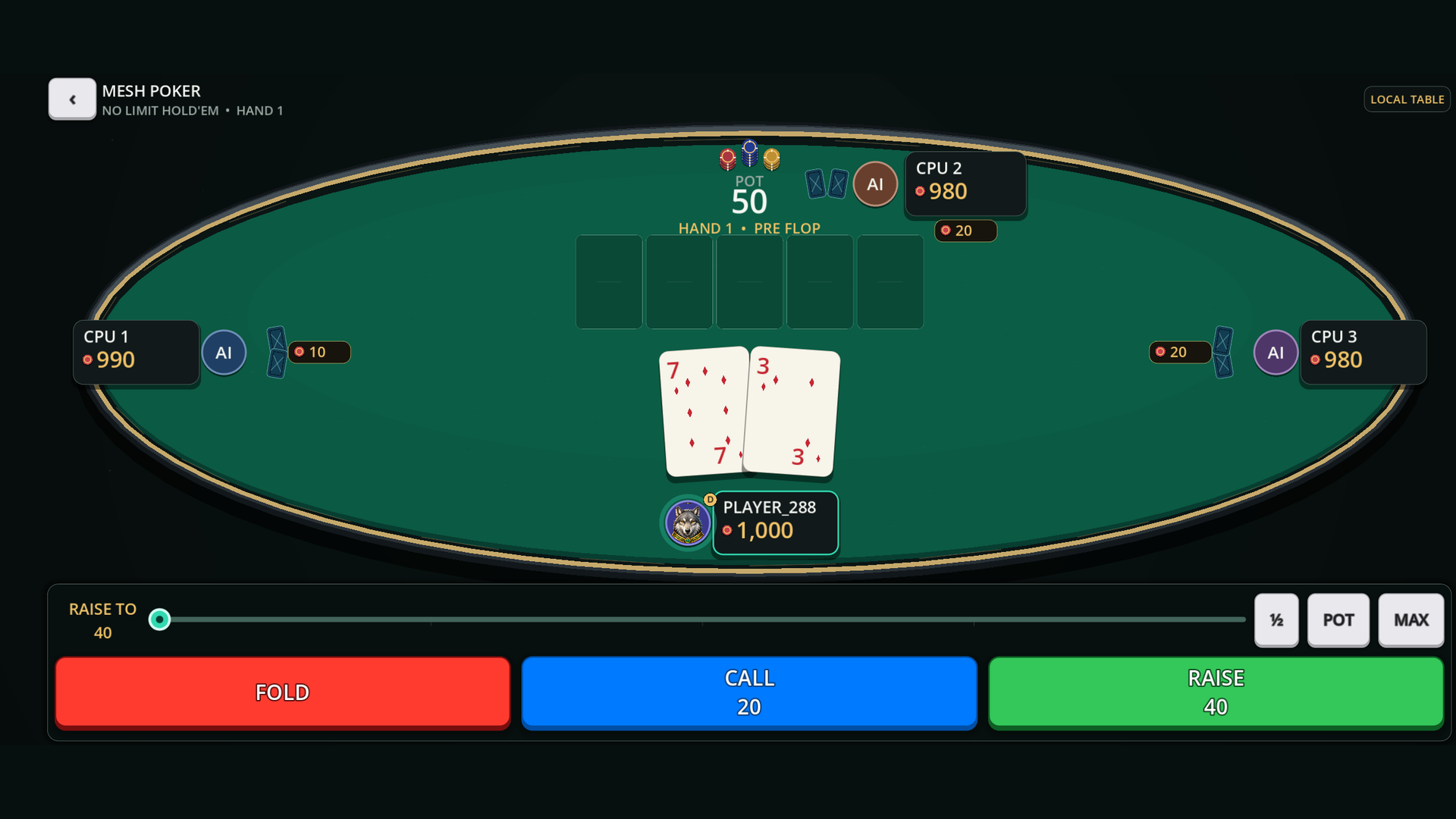
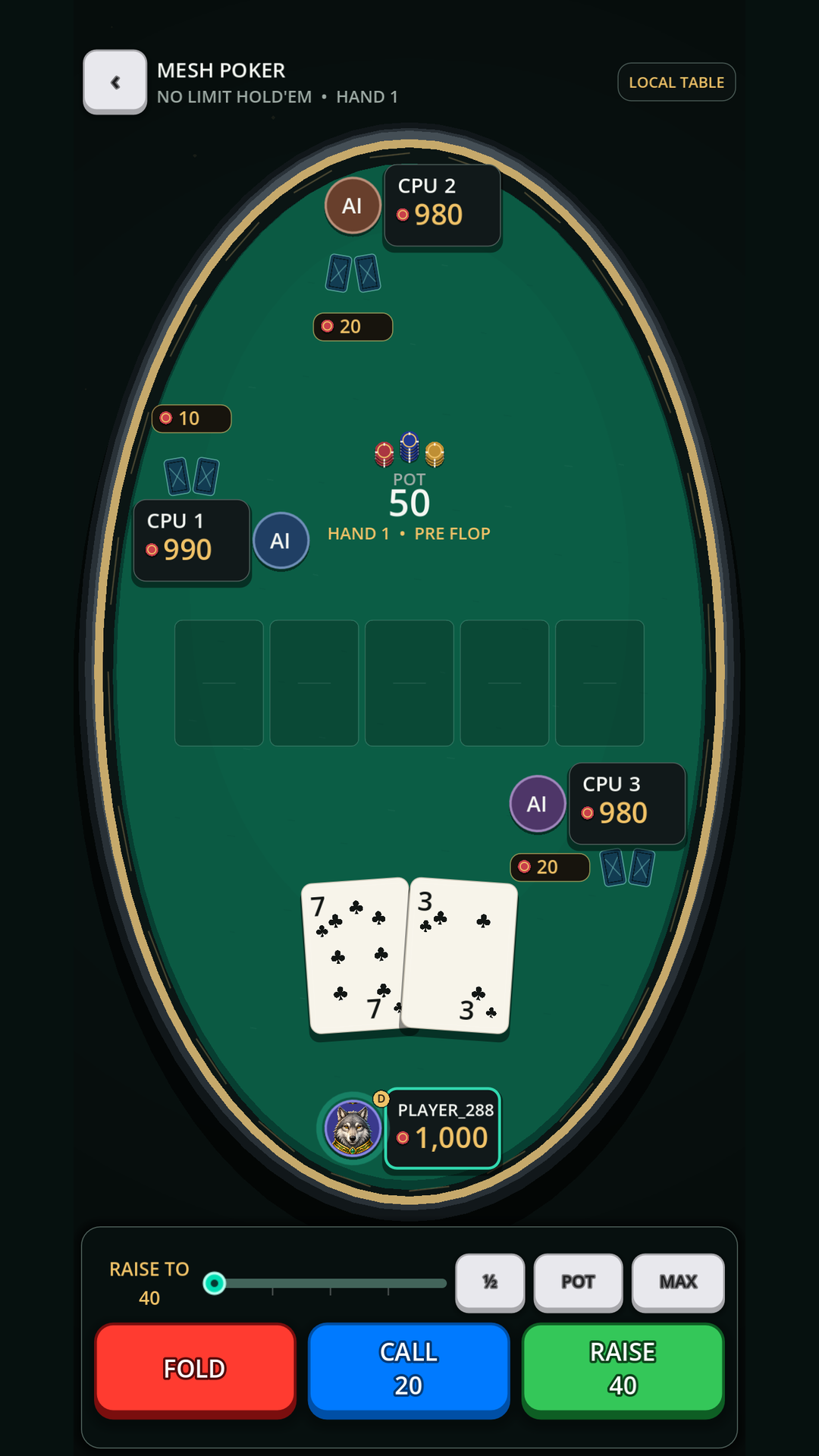
Large private cards, color-coded Fold, Call, Bet, Raise, and All-in actions, clear player stacks, bets, pot state, and community cards are designed for both portrait and landscape play.
From blinds to showdown
Side pots, tied hands, odd-chip payouts, elimination, and repeated hands are handled as the table advances.
Computer table controls
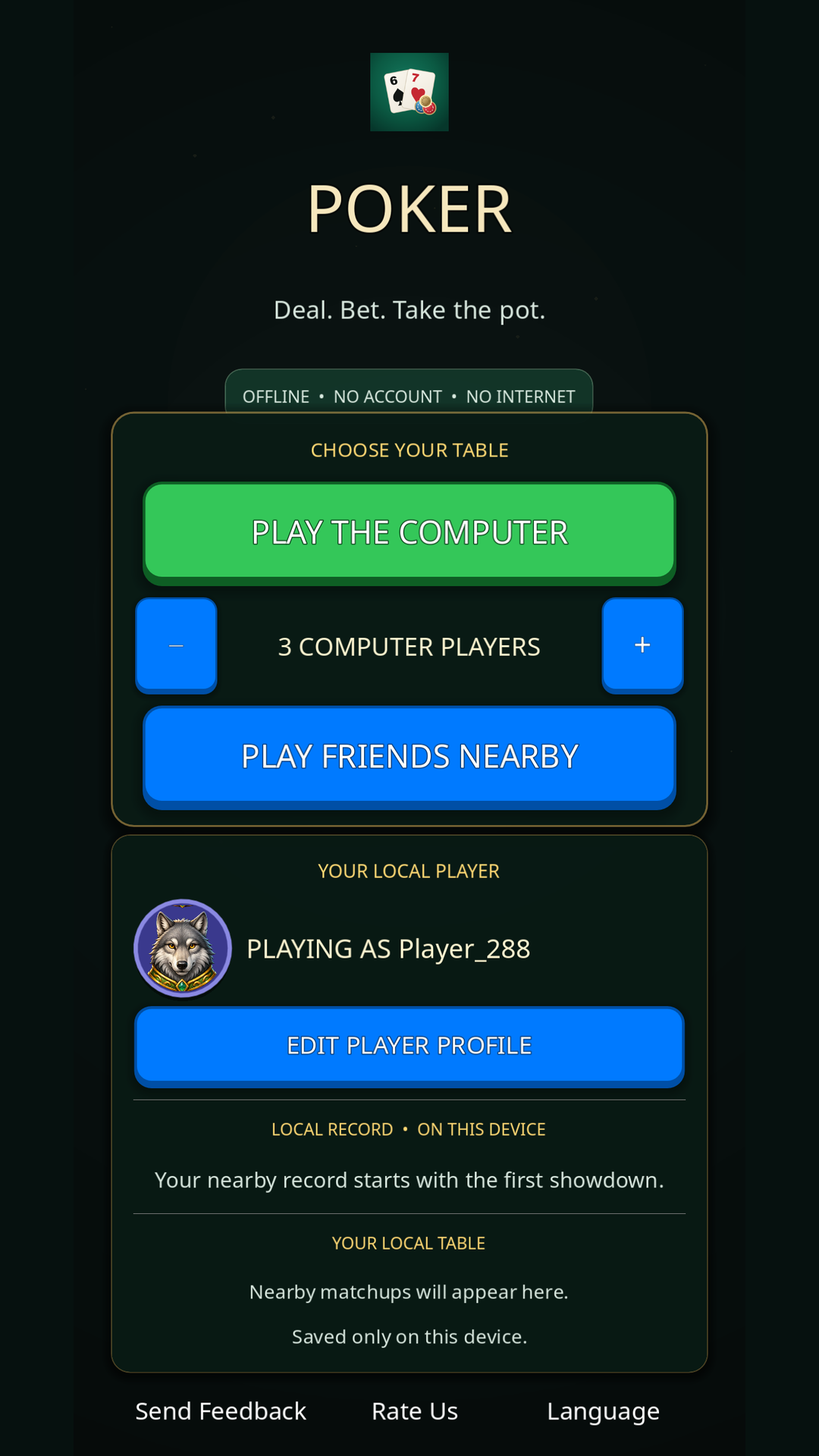
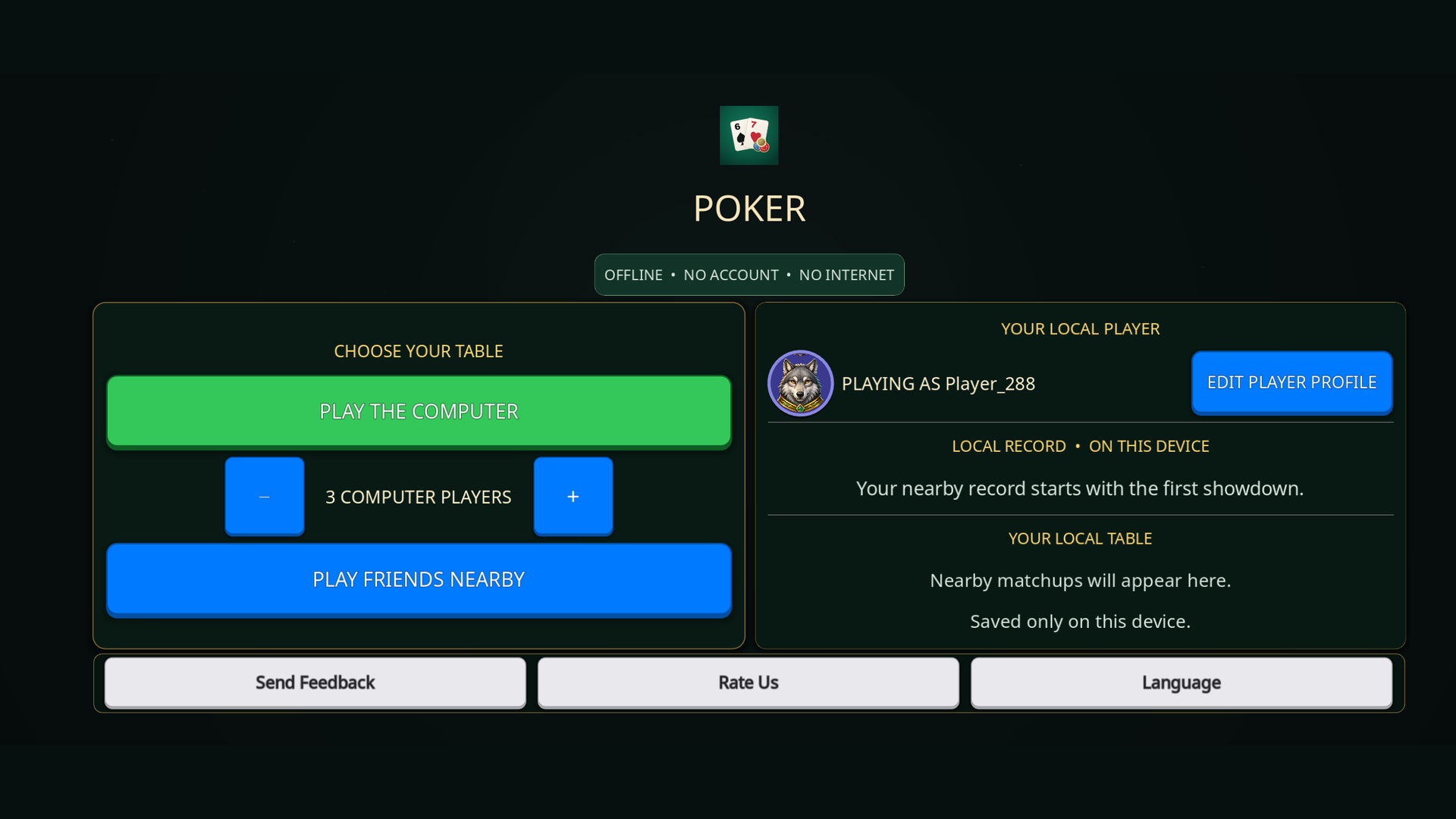
Choose the computer-opponent count before local play, from one opponent through seven.
This seat control describes local computer play. Nearby play is available separately without a player-count claim on this page.
Your local player
Choose a display name, one of 16 built-in portraits, and a profile color. Completed human matchups update a persistent table history and ranking tied to that local profile.
Off-grid by design
Local play does not need a MeshGames account, an internet connection, or a DataXad server.
Entertainment only
MeshGames Poker does not provide real-money wagering, purchases, cash-out, monetary prizes, or a gambling service.
MeshGames Poker is an offline Texas Hold'em card game for Android, published by DataXad and free on Google Play. You play no-limit Texas Hold'em with betting before the flop, on the flop, on the turn, and on the river. You play against one to seven computer players. Each player starts with 1,000 play chips. The table shows the pot, each stack, and the turn. The app is made for touch, with large cards and large color-coded Fold, Call, and Raise buttons. It works in portrait and landscape. You can also host or connect to a nearby Bluetooth table, with optional push-to-talk table radio and table chat. Private hole cards stay face-down for each other player. The app uses play chips only, with no money, wagering, purchases, or prizes. It has no account, advertising, analytics, or internet permission, and your local profile, statistics, and table history stay on your device.
Before you sit down
Yes. Computer tables and nearby Bluetooth tables run without an internet connection. The app does not request internet permission. No DataXad gameplay server is involved. Bluetooth is used when you host or connect to a nearby table.
Compatible nearby players connect through the app's Bluetooth table. Nearby play sends your selected name, portrait, and color. It also sends a non-reversible profile hash and the current match state. These go directly to the players at your table. Nothing goes to DataXad or a server. Private hole cards stay face-down for each other player.
For computer play, you select one to seven computer opponents before you start a table. The host sets the number of computer players at the table. Connected human players keep their own names and portraits. This page does not state a nearby player count.
Completed human matchups update a local table history stored on the device. If you change your name or portrait, the same local profile history stays. The history is not a global or online leaderboard. No server holds it.
The app has no MeshGames account, advertising, analytics, tracking SDK, or cloud matchmaking. It sends no gameplay data to DataXad or a server. Your local profile, statistics, and table history stay on your device. Nearby play shares your selected name, portrait, a profile hash, and match state with the players at your table.
No. MeshGames Poker has no wagering, no money stakes, and no monetary prizes. Play chips have no cash value. Play chips cannot be bought, and the app makes no payouts.
No. MeshGames Poker uses no real money. The game has no real-money stakes, purchasable chips, or payouts of any kind. Play chips have no cash value. For the Google Play rating questionnaire, Poker is declared as simulated gambling. The facts for that declaration are no real-money gambling, play chips with no cash value, and no purchases.
MeshGames Poker is available for Android through Google Play. It is not on the Apple App Store. No iPhone or iPad release is available to the public at this time.
Download MeshGames Poker from its Google Play listing for Android. The app is free, with no account or sign-in. Computer tables work without an internet connection, so you can play after you install it.
Only when you hold the push-to-talk button at a nearby table. The app requests Android microphone permission before first use. One player speaks at a time. Nothing is recorded or saved, and no audio file is made.
Questions or feedback?